Proxmox VE Safe from Outside, but VM Used to Attack Hypervisor
There is a certain pride and peace of mind when looking at a Proxmox Virtual Environment (PVE) dashboard with all green status indicators. The cluster is healthy, Ceph storage synchronization is smooth, weekly backups run without errors, and most importantly public internet access to management port 8006 has been completely sealed off with a hardware firewall in front of it.
In this article, we cover Proxmox VM attack in a practical way so you can apply it with confidence.
As an admin, I thought that fortress was impenetrable. My logic was simple: “Who can get in and mess up the cluster configuration if all management ports are tightly closed from public access?”
However, the reality in the field often slaps us hard. That morning, the cluster security logs showed an anomaly that made the hair on the back of my neck stand up, there were thousands of failed login attempts to the user root@pam.
The question was: Where were they coming from?
I immediately checked the attacker’s source IP. It wasn’t an IP from China, Russia, or some other country. It was a local subnet IP 192.168.x.x. My heart raced as I realized the terrifying fact, that IP belonged to one of the client’s Virtual Machines (VM) running inside that very Proxmox node.
I realized I had made a fatal mistake common among beginners and careless seniors alike assuming the internal network (LAN) is a safe zone free from threats.
I forgot that the biggest threat to a Hypervisor is often not a genius hacker breaching the perimeter firewall from across the ocean, but a “roommate” a VM that has been compromised by bad actors.
The illusion of internal security
Let’s dissect the scenario. This attack scenario is very simple, requires no sophisticated tools, but the impact is deadly.
- Entry Point: A VM running a web server (e.g., Ubuntu Server with WordPress) gets hacked. The cause is classic, outdated plugins, weak
adminuser passwords, or poor upload filters. The hacker gets in and gains shell access on that VM. - Reconnaissance: From inside the compromised VM, the hacker performs simple network scanning using
nmapor even apingsweep of the local subnet. - Discovery: The hacker finds the gateway IP or the Proxmox host IP residing on the same network bridge (
vmbr0) subnet. - Attack: Because the default Proxmox installation often leaves management port 8006 open to all interfaces on bridge
vmbr0, the hacker can see our Proxmox login page from inside the VM.
From this point, it’s just a matter of time. They can run a password brute force against the Proxmox root account without being blocked by external firewalls (since the attack is coming from “inside”), or exploit unpatched PVE vulnerabilities.
If they manage to breach the Hypervisor level, it is Game Over. They can delete all VMs, steal backups, format storage, or plant ransomware at the host level that will lock the entire company infrastructure.
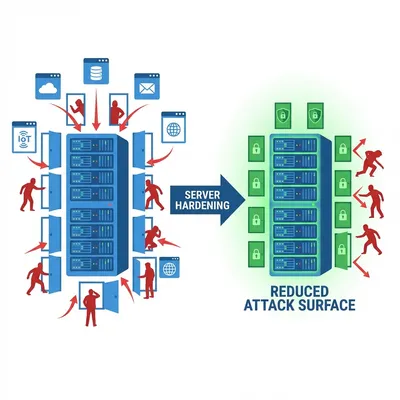
This reminds me of the basic defense principles I wrote about in Linux Server Hardening Best Practices: never trust default settings, even on internal networks.
Isolating the “bad apples” with vlans
This incident taught me an expensive lesson, we must treat every VM as if it were a potential enemy. Zero Trust Architecture is not just vendor marketing jargon, it is an absolute necessity in the cloud computing era.
After that incident, I completely overhauled my virtualization network architecture. Here are the practical steps I implemented that saved me in subsequent incidents:
Separate management path and guest traffic
Never let user VM traffic mix (same subnet/same bridge) with the Proxmox management interface. Separate them physically or logically using VLANs (Virtual LANs).
- VLAN 10 (Management): Strictly for Proxmox Host IP, iDRAC/IPMI. Accessible only from the Admin laptop or a dedicated VPN.
- VLAN 20 (VM Public): Strictly for VM internet traffic.
- VLAN 30 (VM Private/DB): Strictly for backend database communication.
With this separation, even if a VM in VLAN 20 is hacked, the hacker inside cannot ping or see the Proxmox management IP in VLAN 10. The path is cut off at the switch or router level.
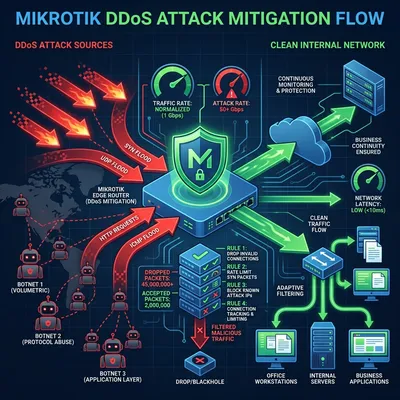
Internal network attack cases like this share a similar pattern with DDoS attacks I discussed in the DDoS Mikrotik Case Study, where traffic separation is the key to mitigation.
Activate firewall at datacenter/node level
Proxmox VE has an incredibly powerful built-in firewall feature (pve-firewall) integrated directly into the Linux kernel. Unfortunately, this feature is often turned off or untouched by admins out of “fear of misconfiguration” that could lead to a lockout (admin locked out of their own server).
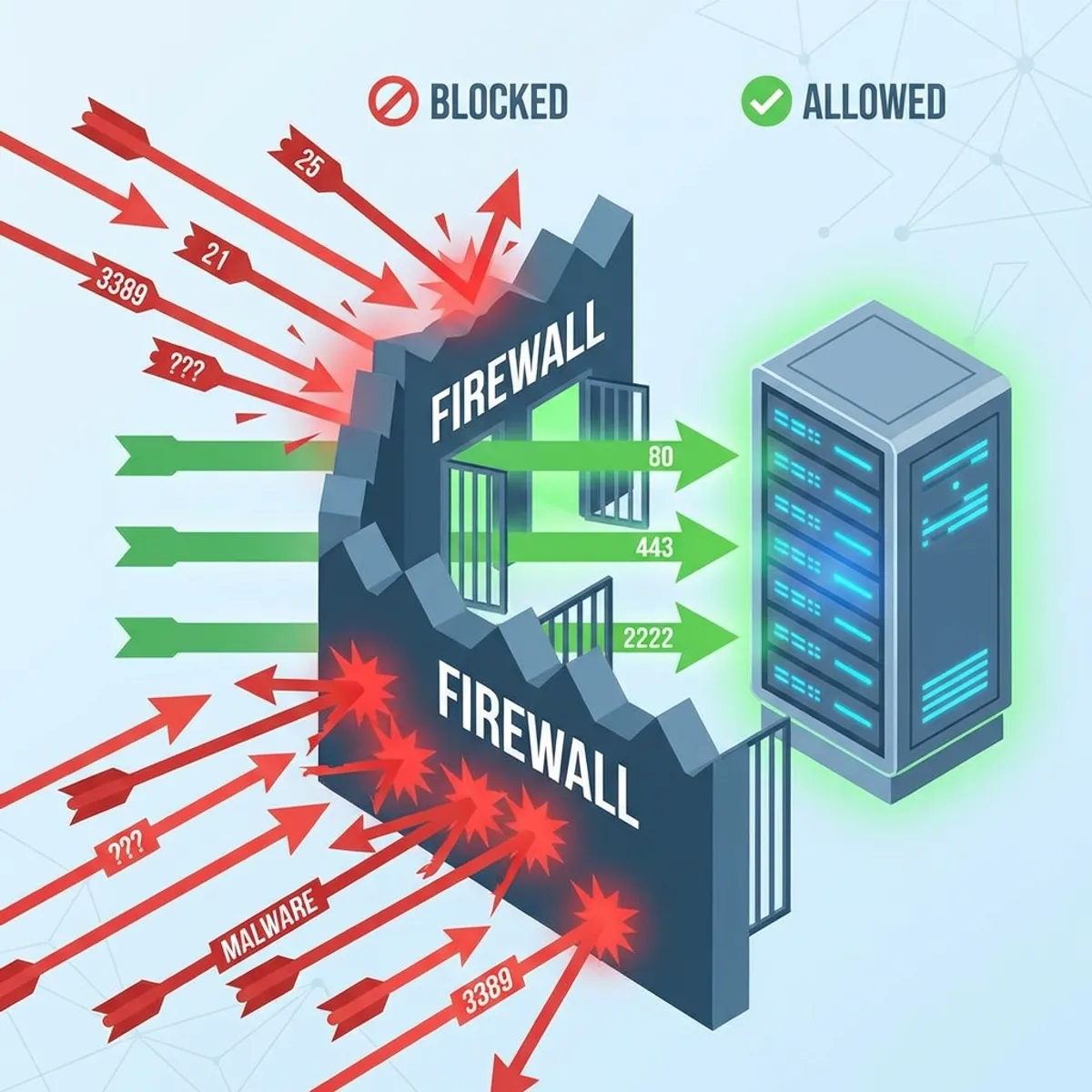
Don’t be afraid. Turn it on! The safest strategy is to create “Whitelist” rules at the Datacenter or Node level.
Example safe Proxmox firewall logic:
- Drop by Default: Set Input Policy to DROP.
- Allow Management IP: Allow ports 8006 (GUI) and 22 (SSH) ONLY from the static source IP of the admin laptop or office VPN IP.
- Drop Internal: Ensure DROP rules catch traffic from VM subnets.
# Rule logic illustration (not copy-paste command):
IN ACCEPT -p tcp --dport 8006 -s 192.168.10.5 (Admin Laptop)
IN ACCEPT -p tcp --dport 22 -s 192.168.10.5
IN DROP -p tcp --dport 8006 -s 0.0.0.0/0 (Deny all else)
With these rules, even if a hacker inside a VM can “see” the Proxmox Host IP, their request packets to port 8006 will be immediately discarded by the host kernel firewall.
Important Tip: Before applying DROP rules on management ports, ensure you have physical access (monitor+keyboard) or IPMI access to the server. Just in case you accidentally block yourself.
Never trust “localhost”
Security is layered (Defense in Depth). Securing Proxmox from public internet access is just step 1. Securing it from “backstabbing” attacks by its own VMs is step 2, which is often forgotten due to excessive trust in internal networks.
This case changed my mindset to be more paranoid in a positive way. Client VMs can be compromised at any time. App bugs can appear at any time. My job as a sysadmin isn’t to ensure the system is 100% unbreachable (because that’s impossible), but to ensure that even if one hotel room catches fire, the flames won’t burn down the whole building, and most importantly won’t burn down the main control room.
Check your Proxmox firewall configuration now. Access one of your VMs, open the terminal, and try to ping or curl https://<PROXMOX-Host-IP>:8006.
If the status is “Reply” or the login page appears in that VM’s terminal? Congratulations, you have homework tonight before bed.
Need a Virtualization Security Audit?
If you are unsure about your current Proxmox cluster network topology, or need help designing a secure VLAN segmentation for a production environment, you can discuss it with me.
I hope this guide on Proxmox VM attack helps you make better decisions in real-world situations.
Implementation Checklist
- Replicate the steps in a controlled lab before production changes.
- Document configs, versions, and rollback steps.
- Set monitoring + alerts for the components you changed.
- Review access permissions and least-privilege policies.
Official References
Need a Hand?
If you want this implemented safely in production, I can help with assessment, execution, and hardening.
Contact Me
About the Author
Kamandanu Wijaya
IT Infrastructure & Network Administrator
Infrastructure & network administrator with 14+ years of enterprise experience, focused on stability, security, and automation.
Certifications: Google IT Support, Cisco Networking Academy, DevOps.
View ProfileNeed IT Solutions?
DoWithSudo team is ready to help setup servers, VPS, and your security systems.
Contact Us