Ultimate Guide to Setting Up a Home Server with Docker & Portainer
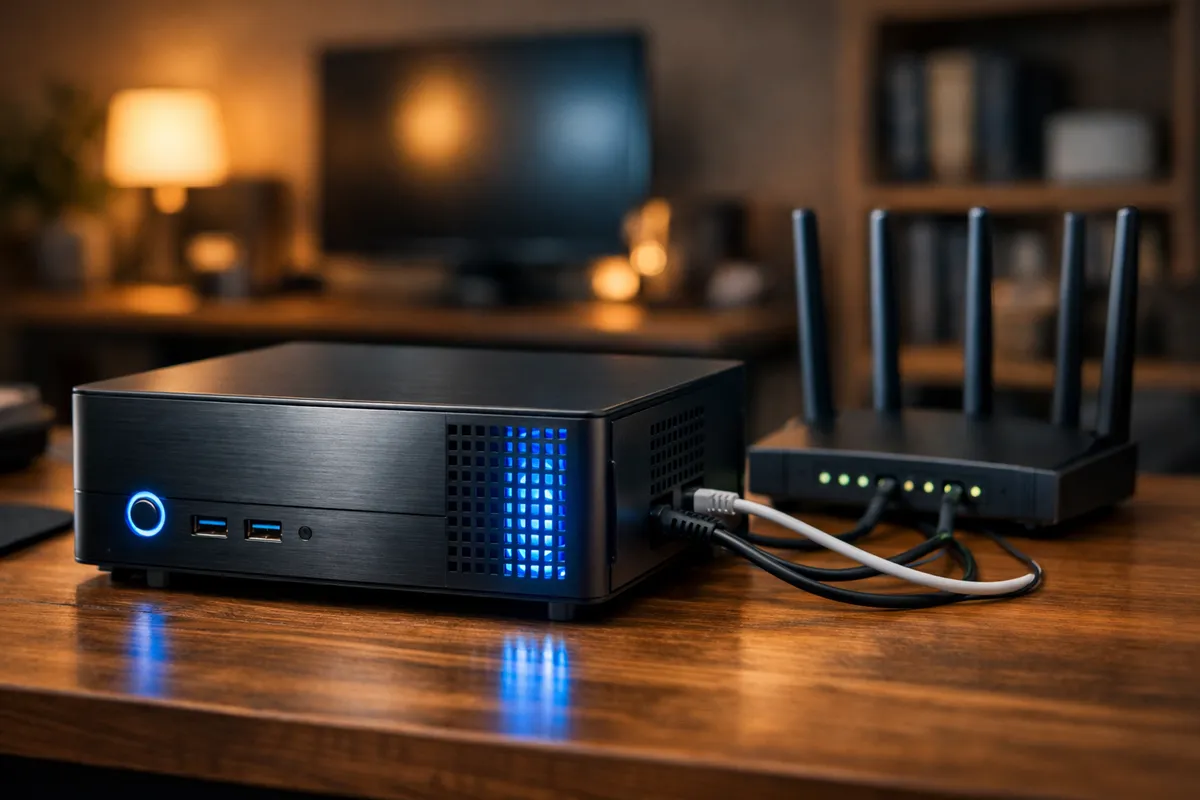
Do you have an old laptop or PC gathering dust in a corner? Don’t throw it away! Your legacy hardware can be transformed into a powerful Home Server. In this article, we will discuss a step-by-step guide to setting up your server from scratch until your Docker dashboard is up and running.
Hardware and OS Preparation
Before diving into the technical bits, you need to ensure your hardware is ready for 24/7 operation.
Hardware Selection
- CPU: A minimum of Intel Core i3 or equivalent is more than enough for a home lab.
- RAM: At least 8GB is recommended if you plan to run multiple Docker containers smoothly.
- Storage: Using an SSD for the OS is highly recommended, while high-capacity HDDs are great for data storage.
OS Installation (Ubuntu Server)
I highly recommend using Ubuntu Server 24.04 LTS due to its massive community support and long-term stability. Don’t forget to set up SSH so you can remote into your server from your main laptop.
Installing Docker and the Engine
Why Docker? Because with Docker, your server remains “clean.” Every application runs in its own isolated container.
Step 1: Install Docker Engine
Run these commands to update your repository and install Docker:
sudo apt update
sudo apt install docker.io -y
sudo systemctl enable --now docker